Free Guide
Connect Python to PostgreSQL with psycopg
Python does not speak to PostgreSQL on its own. It needs a driver, a small library that knows how to open a connection, send your SQL across the wire, and hand the rows back as Python objects. For PostgreSQL that driver is psycopg, and once you have it, the distance between "I have a database" and "I am querying it from Python" is surprisingly short.
This guide walks that distance from the start. You will install the driver, open a connection without hardcoding your password, run your first SELECT, read the rows that come back, and write data safely. Most of it is a few lines. The one part that genuinely matters, the part that separates code you can trust from code that gets breached, is how you pass values into a query. We will spend real time on that.
It assumes you already have a running PostgreSQL server and a database to connect to, plus Python 3.10 or later. Setting up Postgres itself is a separate job and not one this guide covers. We use the modern psycopg 3, the current version of the library, throughout.
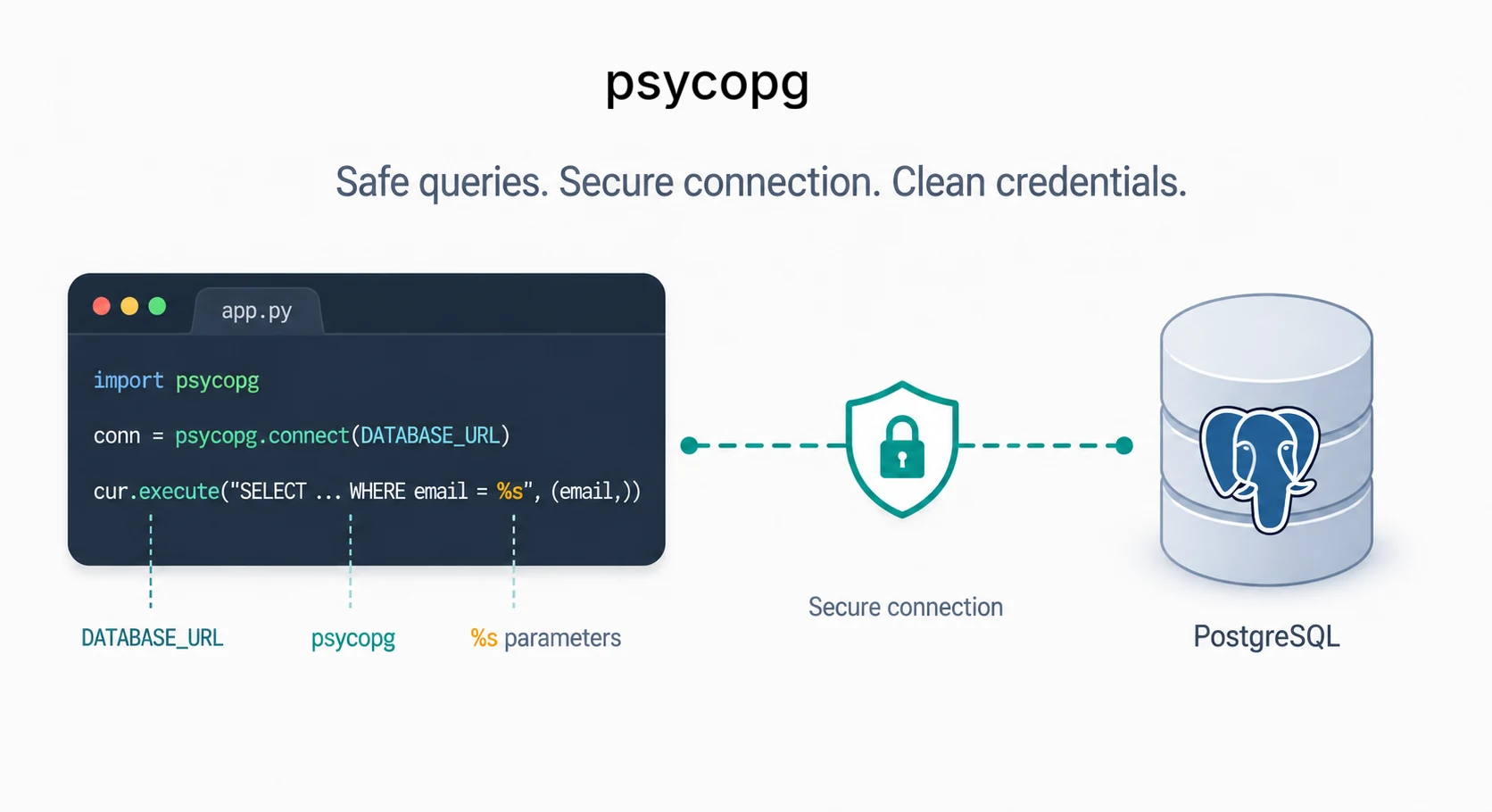
Installing psycopg
One command installs the driver. The [binary] extra pulls in a prebuilt version so you do not need a C compiler or the PostgreSQL development headers on your machine.
python -m pip install "psycopg[binary]"
This is psycopg 3, the current version, and you import it as psycopg. The binary extra is the easiest way to get started locally because it bundles the compiled pieces for you. For a production service, the psycopg docs recommend choosing the implementation deliberately, often psycopg[c] when your deployment image has the required PostgreSQL client libraries. You will still see a lot of code and tutorials using the older psycopg2, which you import as psycopg2. It remains widely deployed and its query API is very similar, so most of what follows transfers directly. For a new project, though, prefer psycopg 3.
Connecting to the database
A connection is opened with psycopg.connect(). It needs to know which database, as which user, with what password, and on which host and port. You can pass those as a single connection string of space-separated keywords.
import psycopg

conn = psycopg.connect(
    "dbname=mydb user=me password=secret host=localhost port=5432"
)
A postgresql:// URL works just as well, which is handy because most hosting providers hand you a database URL in exactly that shape.
import psycopg

conn = psycopg.connect("postgresql://me:secret@localhost:5432/mydb")
Notice what is wrong with both of those snippets. The password is sitting in the source code. A database password is a secret in every sense an API key is, and it should never live in a file you commit to version control. The fix is to read credentials from the environment and keep them out of the code entirely, which is the same pattern covered in our guide on storing API keys with a .env file.
import os
import psycopg

conn = psycopg.connect(os.environ["DATABASE_URL"])
Now the secret lives in the environment, the code is safe to commit, and the same script runs unchanged against a local database in development and a managed one in production. Only the environment variable differs. Using os.environ["DATABASE_URL"] is deliberate: if the variable is missing, the script fails immediately with a clear KeyError instead of handing None to the database driver and failing later in a stranger place.
Encrypt the connection over a network
On localhost the connection never leaves your machine, so encryption is moot. The moment your database lives on another host (a managed Postgres, a cloud instance), the connection crosses a network and should be encrypted. psycopg passes this through to libpq as the sslmode setting, which you append to the URL: ...?sslmode=require. Most managed providers already include it in the DATABASE_URL they hand you.
The default does not guarantee encryption
libpq's default is sslmode=prefer, which tries TLS but silently falls back to an unencrypted connection if the server does not offer one, with no error and no warning. You can believe a connection is encrypted when it is not. For a database reached over any network, set sslmode=require to refuse an unencrypted connection, or sslmode=verify-full to also check the server's certificate against a trusted authority and shut the door on man-in-the-middle attacks.
Your first query
A connection on its own does not run SQL. For that you open a cursor, which is the object you execute statements through and read results from. Think of it as a pointer into the result of a query: you run a statement, then ask the cursor for the rows.
import psycopg
import os

conn = psycopg.connect(os.environ["DATABASE_URL"])
cur = conn.cursor()

cur.execute("SELECT id, email FROM users")

first = cur.fetchone()     # one row, or None if there are none
print(first)               # (1, 'ada@example.com')
cur.execute() sends the SQL to the server. cur.fetchone() pulls back a single row, advancing the cursor by one, and returns None once the rows run out. To get everything at once, use cur.fetchall(), which returns a list of rows.
cur.execute("SELECT id, email FROM users")

for row in cur.fetchall():
    user_id, email = row
    print(user_id, email)
By default each row comes back as a plain tuple, with the columns in the order you selected them. That is why row[0] is the id and row[1] is the email above. It works, but positional access gets fragile as queries grow, and we will improve on it shortly.
Use context managers
The code so far quietly leaves a connection and a cursor open, and never commits. The clean way to manage both is with the with statement, which ties their lifecycle to a block. psycopg supports this directly: a connection used as a context manager commits if the block finishes without error and rolls back if an exception is raised, and a cursor used the same way closes itself at the end of the block.
import psycopg
import os

with psycopg.connect(os.environ["DATABASE_URL"]) as conn:
    with conn.cursor() as cur:
        cur.execute("SELECT id, email FROM users")
        for row in cur.fetchall():
            print(row)
    # cursor closed here
# changes committed here on success, rolled back on error
A transaction is all-or-nothing
Everything you do inside one transaction either lands together or not at all. The with conn block ties that decision to whether your code succeeds: finish cleanly and the work commits, raise an exception and it all rolls back. That is what keeps you from leaving half-finished writes in the database, or leaking open connections when something goes wrong partway through.
Parameterized queries (and SQL injection)
Here is the part that matters most. Almost every real query uses a value that came from outside, a user id, an email, a search term. The dangerous instinct is to build the SQL string with that value folded in using an f-string or concatenation.
# NEVER do this
email = input("Email: ")
cur.execute(f"SELECT * FROM users WHERE email = '{email}'")
The right way is to leave a placeholder in the SQL and pass the value separately, as a tuple. psycopg sends the query and the value separately, adapting the value correctly for its type, so the value is never parsed as SQL.
# Do this instead
email = input("Email: ")
cur.execute("SELECT * FROM users WHERE email = %s", (email,))
The placeholder is %s, and it is %s for every type: strings, numbers, dates, booleans, all of them. This looks like Python's old percent-style string formatting, but it is not. It is psycopg's own placeholder syntax, handled by the driver, not by Python. Never run the formatting yourself with % or an f-string. Write the %s and pass the values as the second argument, even when there is only one, which is why the tuple above has a trailing comma.
Values are not table or column names
Query parameters are for values only. They are perfect for an email address, a user id, or a timestamp. They are not for SQL identifiers such as table names, column names, or sort directions. If you need to build those dynamically, use psycopg's SQL composition helpers and restrict choices to values your own code controls.
from psycopg import sql

allowed_tables = {"users", "admins"}
table_name = "users"

if table_name not in allowed_tables:
    raise ValueError("Unknown table")

query = sql.SQL("SELECT id, email FROM {} WHERE email = %s").format(
    sql.Identifier(table_name)
)
cur.execute(query, (email,))
String-formatting user input into SQL is the classic injection hole
If you build a query with an f-string, an input containing a quote breaks out of the string and becomes part of the SQL. A value like x' OR '1'='1 turns a lookup into a query that returns every row, and worse inputs can drop tables or read data they should not. The signature is a query that breaks, errors, or returns too much the moment an input contains a quote. Passing values as parameters with %s closes the hole completely, because the value is never parsed as SQL.
Inserting and updating data
Writes use the same placeholder rule. An INSERT takes its values as parameters, never formatted into the string.
import os
import psycopg

with psycopg.connect(os.environ["DATABASE_URL"]) as conn:
    with conn.cursor() as cur:
        cur.execute(
            "INSERT INTO users (name, email) VALUES (%s, %s)",
            ("Ada", "ada@example.com"),
        )
        print(cur.rowcount)   # 1 row affected
Because the connection is used as a context manager, the insert commits automatically when the block exits cleanly. Without the with block, a write is held in an open transaction and is not durable until you call conn.commit() yourself; if you forget, the change vanishes when the connection closes. After a write, cur.rowcount tells you how many rows the statement affected, which is useful for confirming that an UPDATE or DELETE hit what you expected.
Reading rows as dictionaries
Positional tuples get awkward once a query has more than a couple of columns, since you have to remember that row[3] is the email. psycopg can hand back each row as a dictionary keyed by column name instead, by setting a row factory.
import os
import psycopg
from psycopg.rows import dict_row

with psycopg.connect(os.environ["DATABASE_URL"], row_factory=dict_row) as conn:
    with conn.cursor() as cur:
        cur.execute("SELECT id, email FROM users")
        for row in cur.fetchall():
            print(row["email"])   # access by name, not position
Now the columns are addressed by name, so the code keeps working even if you reorder the SELECT, and it reads far more clearly. You can set row_factory on the connection, as here, or on an individual cursor when you only want it for one query.
A small reusable connection helper
Rather than spell out the connection arguments everywhere, wrap them in one place. Drop this into a small module and import the helper wherever you need a connection, with the credentials read from the environment every time.
import os
import psycopg
from psycopg.rows import dict_row


def get_connection():
    """Open a PostgreSQL connection from DATABASE_URL."""
    return psycopg.connect(
        os.environ["DATABASE_URL"],
        row_factory=dict_row,
    )
Call sites stay short and consistent, and the context manager still does the transaction work for you.
from db import get_connection

with get_connection() as conn:
    with conn.cursor() as cur:
        cur.execute("SELECT id, email FROM users WHERE id = %s", (user_id,))
        user = cur.fetchone()
Every query through this helper reads credentials safely, returns rows as dictionaries, and commits or rolls back as a unit. That is most of what day-to-day database code needs, and it is the same shape the work takes in larger projects. Chapter 15 is free to read, and it builds out exactly this pattern against a real schema; you can start it here.
Long-running apps and pools
Opening a connection inside a short script is fine. Opening a brand-new connection for every request in a web app is usually not. PostgreSQL connections are real server-side resources, and creating them is more expensive than reusing them. For a long-running Flask, FastAPI, or worker process, use a connection pool so the app can borrow an existing connection, do a small unit of work, and return it.
python -m pip install "psycopg[pool]"import os
from psycopg.rows import dict_row
from psycopg_pool import ConnectionPool
pool = ConnectionPool(
conninfo=os.environ["DATABASE_URL"],
kwargs={"row_factory": dict_row},
min_size=1,
max_size=10,
)
def get_user(user_id):
with pool.connection() as conn:
with conn.cursor() as cur:
cur.execute("SELECT id, email FROM users WHERE id = %s", (user_id,))
return cur.fetchone()The exact pool size depends on your app and database limits, but the pattern is the point: create the pool once when the process starts, borrow connections briefly, and keep transactions short. A connection left open in the middle of a transaction can become "idle in transaction", which holds database resources and can cause strange production slowdowns.
Frequently asked questions
What is the difference between psycopg2 and psycopg (psycopg 3)?
psycopg2 is the long-standing version 2 driver, imported as psycopg2, and it is still very widely deployed. psycopg 3, imported as psycopg, is the current rewrite of the library. It keeps a very similar query API, so most psycopg2 code ports with little change, while adding async support and better type handling. For new code, prefer psycopg 3.
How do I avoid SQL injection in Python?
Never format user input into the SQL string with an f-string or concatenation. Leave a %s placeholder in the query and pass the values as a separate tuple, so the driver escapes them and they can never be parsed as SQL. This also handles quoting and type conversion for you, so you get correctness and safety from the same habit.
Do I need to call commit() when using psycopg?
Yes, for any write. A change is not durable until the transaction commits. You can either call conn.commit() explicitly after your INSERT, UPDATE, or DELETE, or use the connection as a context manager with a with block, which commits automatically on success and rolls back if an exception is raised.
Should I open a new PostgreSQL connection for every request?
Not in a long-running web app. For scripts and one-off jobs, opening a connection inside a with block is fine. For Flask, FastAPI, workers, and other long-running processes, use a connection pool so connections are reused and returned quickly after each unit of work.